10 Best Read-It-Later Apps in 2026 (Tested & Compared)
March 13, 2026 · Kamban
Updated March 2026
You find a brilliant article, a fascinating thread, a must-read essay. You tell yourself you'll come back to it later. You never do. Sound familiar? The average knowledge worker saves dozens of links per week — and forgets most of them within days.
Read-it-later apps solve this problem, but the landscape has shifted dramatically. Pocket shut down in July 2025. Omnivore got acquired and closed. Meanwhile, a new generation of apps has emerged that go far beyond simple bookmarking — offering AI-powered search, spaced repetition, and even content creation from your saved knowledge.
We tested 10 of the best read-it-later apps in 2026 across features, pricing, platform support, and actual daily use. Our top pick is BeeMind for its unique combination of instant capture, AI chat, and built-in spaced repetition — but read on for the full breakdown.
Quick Comparison: Best Read-It-Later Apps in 2026
| App | Best For | Price | Platforms | Key Strength |
|---|---|---|---|---|
| BeeMind | Capturing & remembering what you read | Free / $7/mo | macOS, iOS | AI chat + spaced repetition + content creation |
| Readwise Reader | Power readers & heavy highlighters | $12.99/mo | All platforms | All-in-one reader + highlight sync |
| Raindrop.io | Visual bookmarking & organizing | Free / $38/yr | All platforms | Full-text search + collections |
| Instapaper | Clean, distraction-free reading | Free / $5.99/mo | iOS, Android, Web | Beautiful reader + text-to-speech |
| Matter | Newsletter & podcast readers | Free / $60/yr | iOS, Web | Newsletter aggregation + audio |
| GoodLinks | Apple ecosystem minimalists | $9.99 one-time | macOS, iOS | One-time purchase, native Apple |
| Karakeep | Self-hosters who want AI | Free (self-hosted) | Web, iOS, Android | Open-source + AI tagging |
| Wallabag | Privacy-conscious self-hosters | Free / 11 EUR/yr | All platforms | Open source, self-hostable |
| Pinboard | Minimalists & link archivists | $22/yr | Web | Archival copies of every page |
| Apple Reading List | Casual savers who want zero setup | Free | macOS, iOS | Built into Safari, no extra app needed |
How We Evaluated These Apps
We used each app for at least two weeks as a daily driver. We evaluated them on capture speed (how fast can you save something?), retrieval quality (can you actually find what you saved?), retention features (does it help you remember?), pricing fairness, and platform support. Real user reviews from the App Store, Product Hunt, and Reddit informed our ratings alongside hands-on testing.
1. BeeMind — Best for Capturing and Actually Remembering What You Read
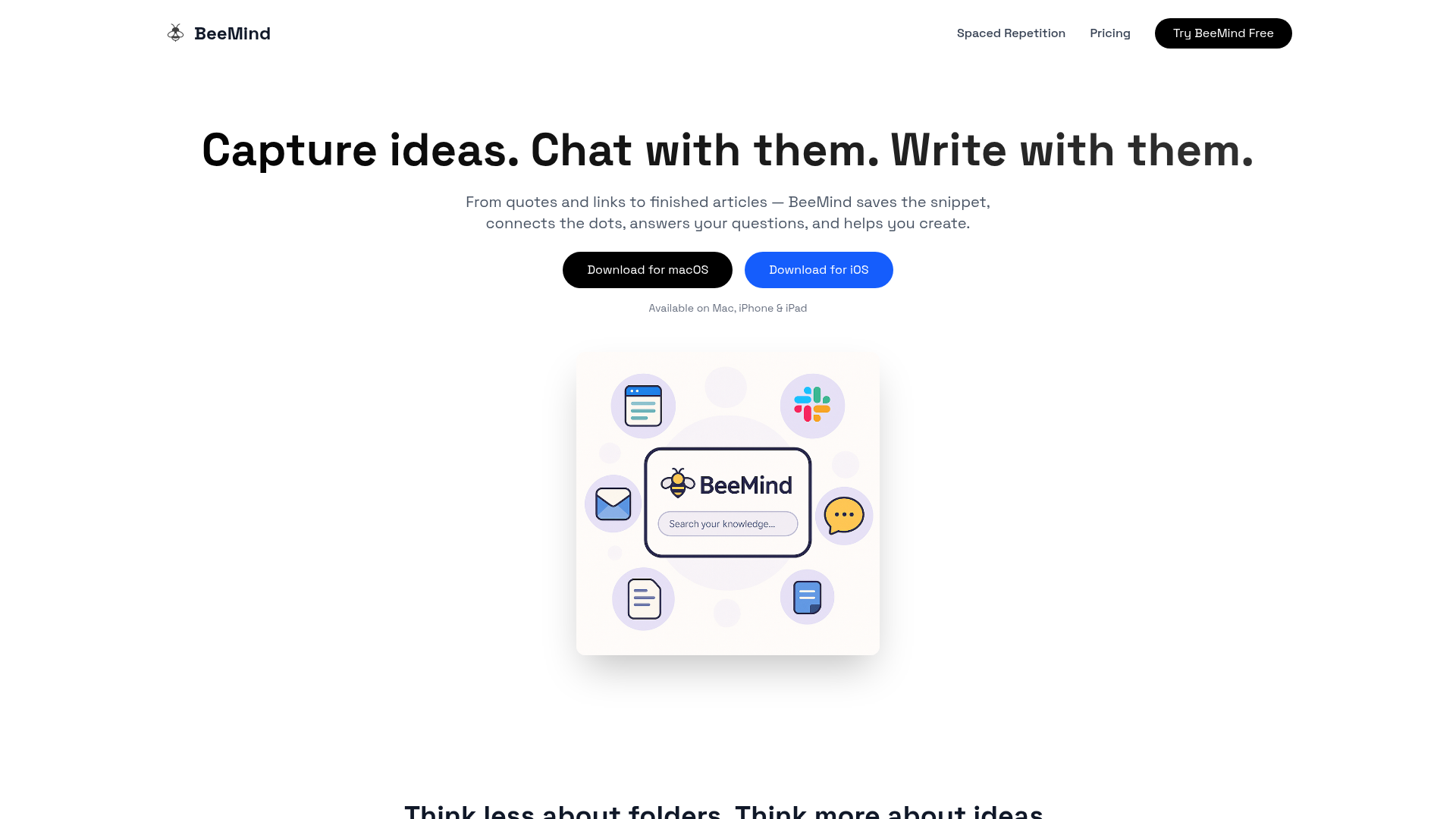
BeeMind takes a fundamentally different approach to read-it-later. Instead of saving entire articles to read "someday," it focuses on capturing the specific snippets, quotes, and ideas that matter — then uses AI and spaced repetition to make sure you actually retain them. It's built by the team behind Elephas, one of the most popular AI writing apps on macOS.
Key Features
- Instant capture from any app — highlight text anywhere on Mac, right-click or press a keyboard shortcut. Zero context switching.
- AI-powered chat — ask questions about your saved snippets ("What did I save about pricing strategy?") and get answers drawn from your own knowledge base.
- Content creation — transform your captured knowledge into articles, essays, social posts, or reports using built-in AI writing tools.
- Spaced repetition — the SM-2 algorithm schedules reviews at scientifically optimal intervals so you don't forget what you saved.
- Automatic linking — your knowledge graph grows automatically. No manual filing, tagging, or folder management required.
- Privacy-first — bring your own API key (OpenAI, Claude, Gemini) or use local models. Your data stays on your devices via iCloud sync.
Pricing
Free tier includes unlimited snippets, instant capture, and automatic linking. Pro unlocks AI chat, content creation, and the iOS app for $7/month or a $7/month — affordable compared to competitors like Readwise at $10/month.
Pros
- Fastest capture workflow we tested — highlight, shortcut, done
- Spaced repetition is a genuine differentiator no other read-later app offers at this depth
- Generous free tier with unlimited snippets and capture
- AI chat turns your saved knowledge into something you can actually query and use
- Native macOS and iOS apps are fast and lightweight
Cons
- Mac and iOS only — no Windows, Android, or web app
- Designed for snippets and ideas, not full-article reading
- Smaller user community compared to established players like Readwise
"I used to save articles and never look at them again. BeeMind changed that — the spaced repetition actually makes me review and remember the important stuff. The instant capture from any Mac app is incredibly fast."
Best for: Knowledge workers, writers, and researchers on Apple devices who want to capture key insights and actually remember them — not just hoard links.
Download BeeMind for macOS | Get it on the App Store
2. Readwise Reader — Best for Power Readers and Heavy Highlighters
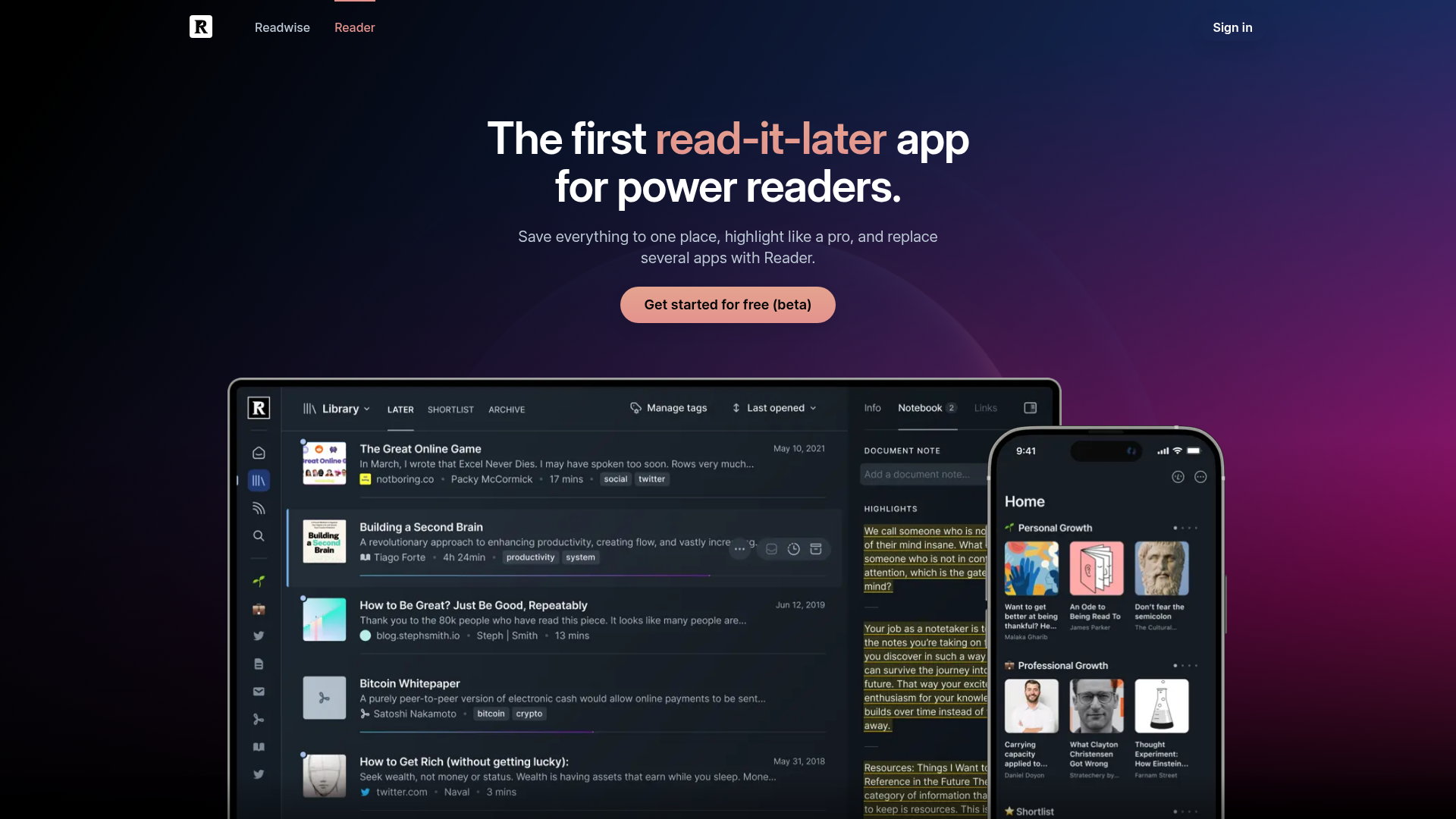
Readwise Reader is the most full-featured read-it-later app on the market. It combines a powerful article reader with highlight management, RSS feeds, newsletters, PDFs, and YouTube transcript saving — all in one app. If you read a lot and highlight even more, Reader is hard to beat for sheer capability.
Key Features
- All-in-one reader — articles, PDFs, EPUBs, tweets, YouTube transcripts, and newsletters in a single app
- Ghostreader AI — AI-powered summaries, definitions, and Q&A on any highlight
- Highlight sync — exports to Notion, Obsidian, Roam, Logseq, and more
- Spaced repetition — daily review of past highlights via Readwise core
- RSS & newsletter inbox — subscribe to feeds and newsletters directly in the app
Pricing
$12.99/month (or $9.99/month billed annually at $119.88/year). Includes both Readwise and Reader. No free tier — only a 30-day trial. 50% discount available for users in countries with weaker currencies.
Pros
- The most comprehensive reading app available — handles every content type
- Highlight management and export are best-in-class
- Excellent keyboard shortcuts and reading experience
- Active development with frequent updates
Cons
- No free tier — $12.99/month adds up over time
- Can feel overwhelming with so many features
- AI features use their API keys (not privacy-first)
"Reader replaced five apps for me. I no longer need a separate RSS reader, PDF reader, newsletter manager, or bookmark tool. Everything is in one place." — Reddit user, r/readwise
Best for: Voracious readers who consume content across many formats and want all highlights synced to their note-taking app.
3. Raindrop.io — Best All-Around Bookmarking and Read-Later Combo
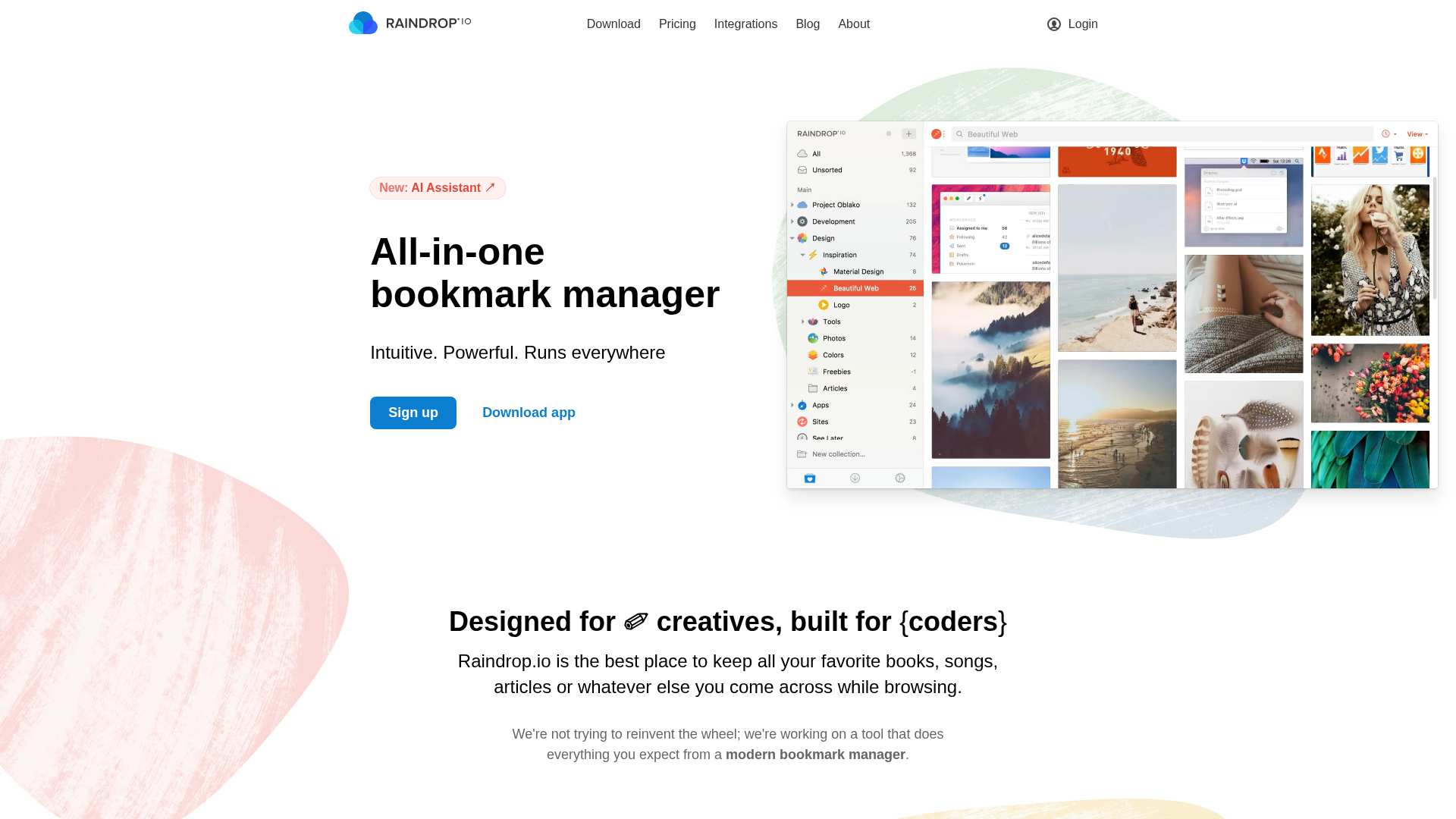
Raindrop.io is a visual bookmarking tool that doubles as a solid read-it-later app. It organizes saved links into collections with tags, full-text search, and a clean reading mode. Since Pocket shut down, Raindrop has seen a massive influx of users looking for a capable, cross-platform alternative.
Key Features
- Collections & nested folders — organize bookmarks visually with drag-and-drop
- Full-text search — search the actual content of saved pages, not just titles
- AI assistant — summarize articles and ask questions about your library
- Browser extensions — available for every major browser
- Permanent copies — cached versions of saved pages in case the original goes offline
Pricing
Free tier includes unlimited bookmarks and basic features. Pro at $38/year ($3.17/month) unlocks full-text search, permanent copies, AI assistant, and nested collections. Excellent value.
Pros
- Generous free tier with unlimited bookmarks
- Available on every platform — web, iOS, Android, Mac, Windows, Linux
- Beautiful visual interface with multiple view options
- Affordable Pro plan at $38/year
Cons
- Reading experience is functional but not as polished as dedicated readers
- No spaced repetition or retention features
- Primarily a bookmarker, not a knowledge tool
"Raindrop picked up perfectly where Pocket left off. The collections system is actually better than Pocket's tags, and full-text search is a lifesaver." — Product Hunt review
Best for: Users who want a reliable, cross-platform Pocket replacement with strong organizational features.
4. Instapaper — Best for Clean, Distraction-Free Reading
Instapaper is the original read-it-later app, and it still does one thing exceptionally well: stripping away clutter so you can actually read. The clean typography, customizable fonts, and excellent text-to-speech make it the go-to choice for people who save articles primarily to read them — not to organize or annotate.
Key Features
- Distraction-free reader — clean typography, dark mode, customizable fonts and margins
- Text-to-speech — listen to saved articles as a podcast
- Speed reading — built-in speed reading mode highlights words one at a time
- Highlights & notes — annotate articles and export to Kindle, Evernote, or email
- Offline reading — download articles for reading without an internet connection
Pricing
Free tier includes basic save-and-read functionality. Premium at $5.99/month (or $59.99/year) unlocks full-text search, unlimited highlights, text-to-speech, and speed reading.
Pros
- The best pure reading experience of any app on this list
- Text-to-speech is genuinely useful for commutes
- Solid free tier for casual users
- Available on iOS, Android, and web
Cons
- No AI features — search and discovery are basic
- No Mac desktop app (web only on desktop)
- Development has been slow in recent years
"Instapaper is the app I open when I actually want to read. The typography is gorgeous, and text-to-speech turns my saved articles into a custom podcast." — App Store review
Best for: Readers who value a clean, focused reading experience above all else.
5. Matter — Best for Newsletter and Podcast Readers
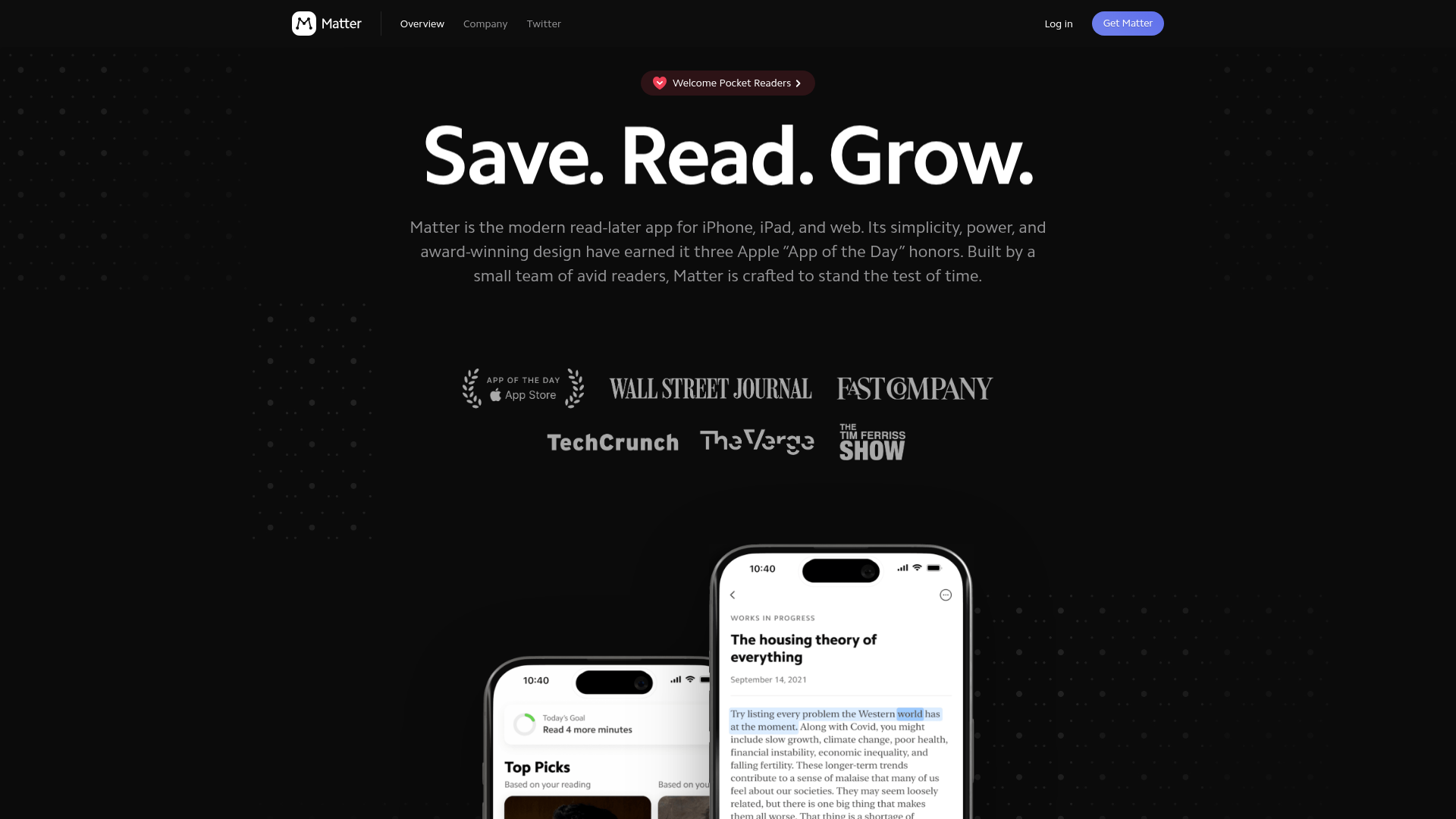
Matter carved out a unique niche by combining read-it-later with newsletter management and audio playback. If your reading list is dominated by Substack newsletters, podcast show notes, and Twitter threads, Matter was purpose-built for that workflow.
Key Features
- Newsletter inbox — subscribe to newsletters directly and read them in Matter's clean interface
- Audio playback — high-quality text-to-speech with natural-sounding voices
- Social highlights — see what your friends and people you follow are highlighting
- Twitter/X thread saving — save and read threads in a clean format
- Highlights export — sync to Notion, Obsidian, and Readwise
Pricing
Free tier with core read-later features. Premium at $8/month or $60/year for HD text-to-speech, full-text search, highlights export, and priority support.
Pros
- Best newsletter reading experience available
- Audio quality is noticeably better than competitors
- Social features add a community dimension to reading
- Clean, modern design
Cons
- Narrower focus — not ideal as a general-purpose read-later tool
- Desktop experience is web-only
- Smaller ecosystem and fewer integrations than Readwise
"Matter turned my overflowing email newsletters into an organized reading queue with great audio. I actually look forward to catching up on Substacks now." — App Store review
Best for: Newsletter-heavy readers who want audio playback and a social reading experience.
6. GoodLinks — Best for Apple Ecosystem Minimalists
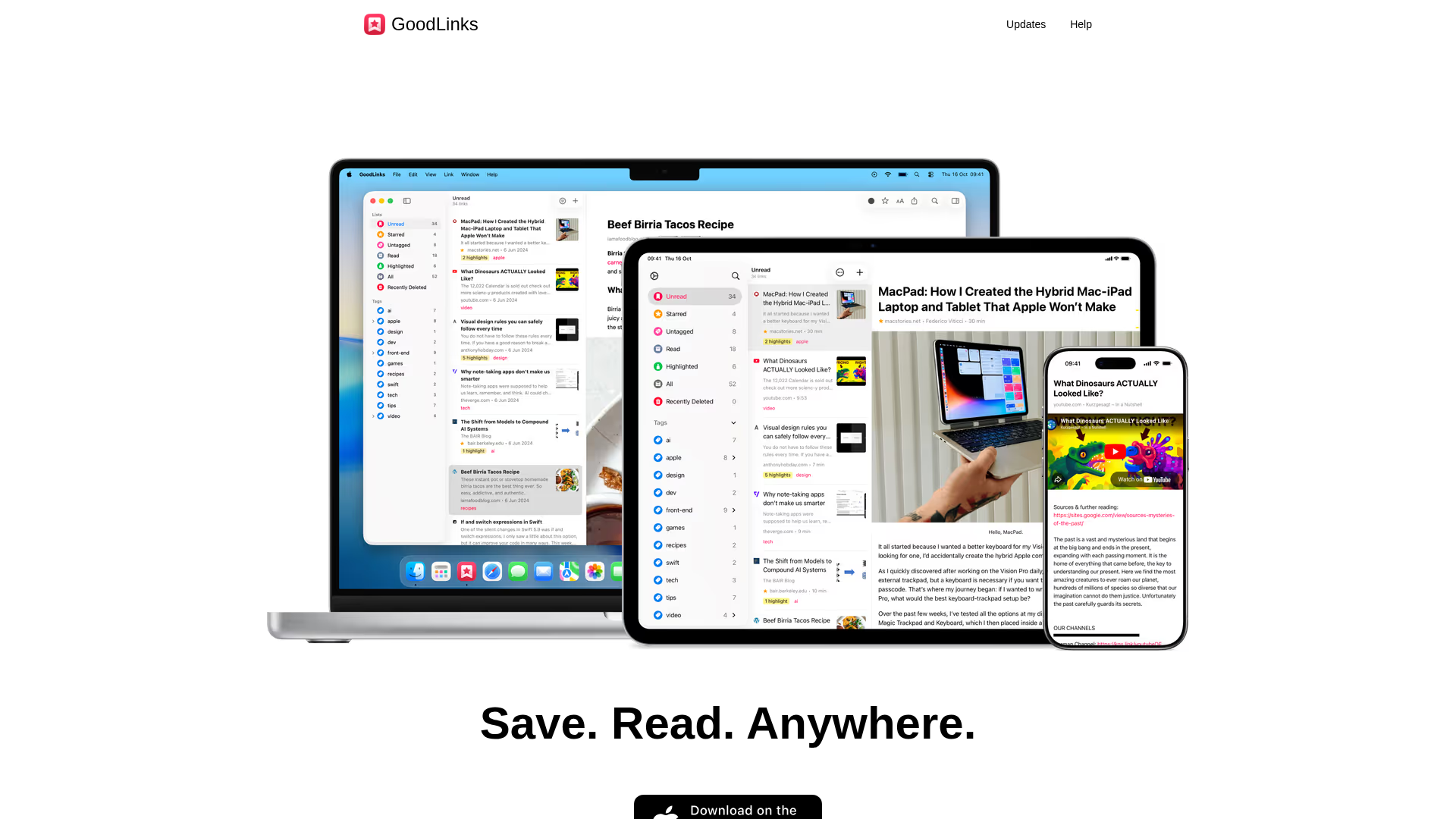
GoodLinks is a native Apple app that does bookmarking and read-later without any subscriptions, accounts, or cloud services. It syncs via iCloud, looks and feels like a first-party Apple app, and costs a one-time $4.99. If you want simplicity with zero recurring costs, GoodLinks is hard to argue with.
Key Features
- Native Apple design — built with SwiftUI, feels like a first-party app
- iCloud sync — seamless sync between Mac, iPhone, iPad, and Apple Vision Pro
- Tags & read state — simple organization with tags and unread/read/starred states
- Safari extension — one-click save from Safari on Mac and iOS
- Siri & Shortcuts — full Apple Shortcuts integration for automation
Pricing
$9.99 one-time purchase. No subscription, no account required. Universal purchase works on Mac, iPhone, iPad, and Apple Vision Pro. GoodLinks Premium subscription available for new features after the first year, but existing features work indefinitely.
Pros
- One-time purchase — no subscription fatigue
- Beautiful, native Apple design
- Excellent privacy — iCloud sync, no third-party accounts
- Fast and lightweight
Cons
- Apple ecosystem only — no Windows, Android, or web access
- No AI features, no full-text search
- Very basic — no highlighting, annotations, or export
"GoodLinks is the app for people who just want to save links and read them later without any fuss. It does one thing and does it perfectly." — MacStories
Best for: Apple users who want a simple, no-subscription bookmarking app that just works.
7. Karakeep (formerly Hoarder) — Best for Self-Hosters Who Want AI
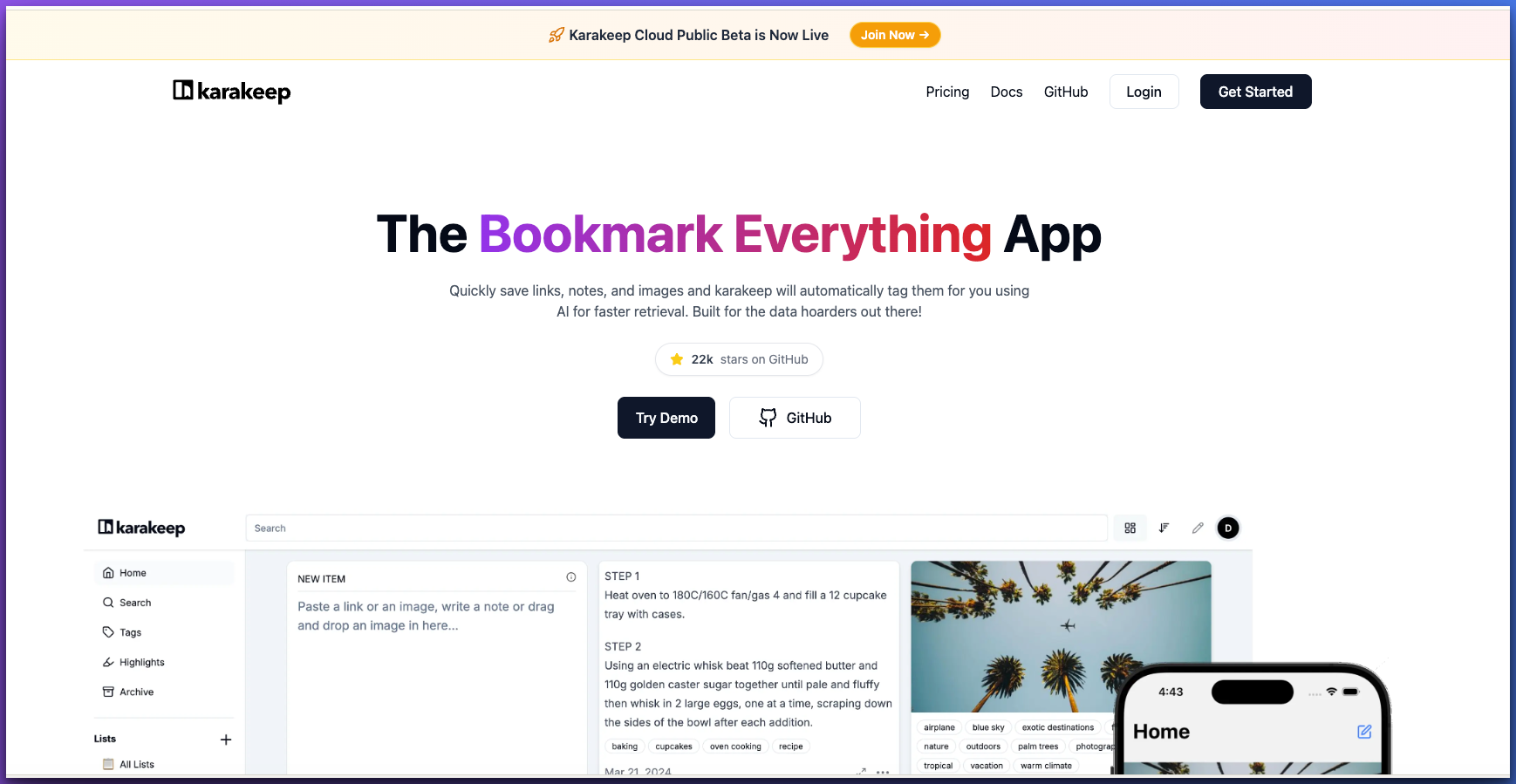
Karakeep (rebranded from Hoarder in early 2025) is an open-source, self-hostable bookmarking app with a twist: it uses AI to automatically tag, categorize, and summarize your saved content. If you want the power of AI-assisted bookmarking without sending your data to a third-party service, Karakeep is the answer.
Key Features
- AI auto-tagging — automatically categorizes bookmarks using local or cloud AI
- Full-page archival — saves complete copies of web pages
- Self-hostable — run it on your own server with Docker
- Browser extension — one-click save from Chrome, Firefox, and Safari
- Mobile apps — iOS and Android apps with share sheet integration
Pricing
Free and open source. Self-hosted, so you pay only for your own server costs. A managed cloud version is in beta.
Pros
- Completely free and open source
- AI auto-tagging saves significant manual effort
- Full data ownership — your server, your data
- Active community and rapid development
Cons
- Requires technical knowledge to self-host
- No managed hosting option yet (beta only)
- Reading experience is basic compared to dedicated readers
"Karakeep is what I wanted Omnivore to be. Self-hosted, AI-powered, and actually maintained. The auto-tagging alone saves me hours of organizing." — r/selfhosted
Best for: Technical users who want full data ownership with AI-powered organization.
8. Wallabag — Best for Privacy-Conscious Self-Hosters
Wallabag is the grandfather of self-hosted read-it-later apps. It's been around since 2013, is fully open source, and gives you a Pocket-like experience that you control entirely. If Karakeep is the modern AI-powered option, Wallabag is the proven, stable, privacy-first alternative.
Key Features
- Full self-hosting — install on your own server or use the hosted version
- Article parsing — extracts clean, readable versions of web pages
- Tagging & filtering — organize with tags, reading time estimates, and domains
- Export everywhere — EPUB, PDF, plain text, and JSON export
- Browser extensions & mobile apps — available for all major platforms
Pricing
Free if self-hosted. Hosted version at 11 EUR/year through wallabag.it if you don't want to manage a server.
Pros
- Truly privacy-first with full data ownership
- Mature, stable software with over a decade of development
- Very affordable hosted option at 11 EUR/year
- Extensive API for integrations
Cons
- Interface looks dated compared to modern alternatives
- No AI features of any kind
- Self-hosting requires PHP knowledge
"Wallabag has been my Pocket replacement for years. It's not flashy, but it's reliable, private, and does exactly what I need." — Hacker News comment
Best for: Privacy advocates who want a proven, self-hosted Pocket alternative without any bells and whistles.
9. Pinboard — Best for Minimalists and Link Archivists
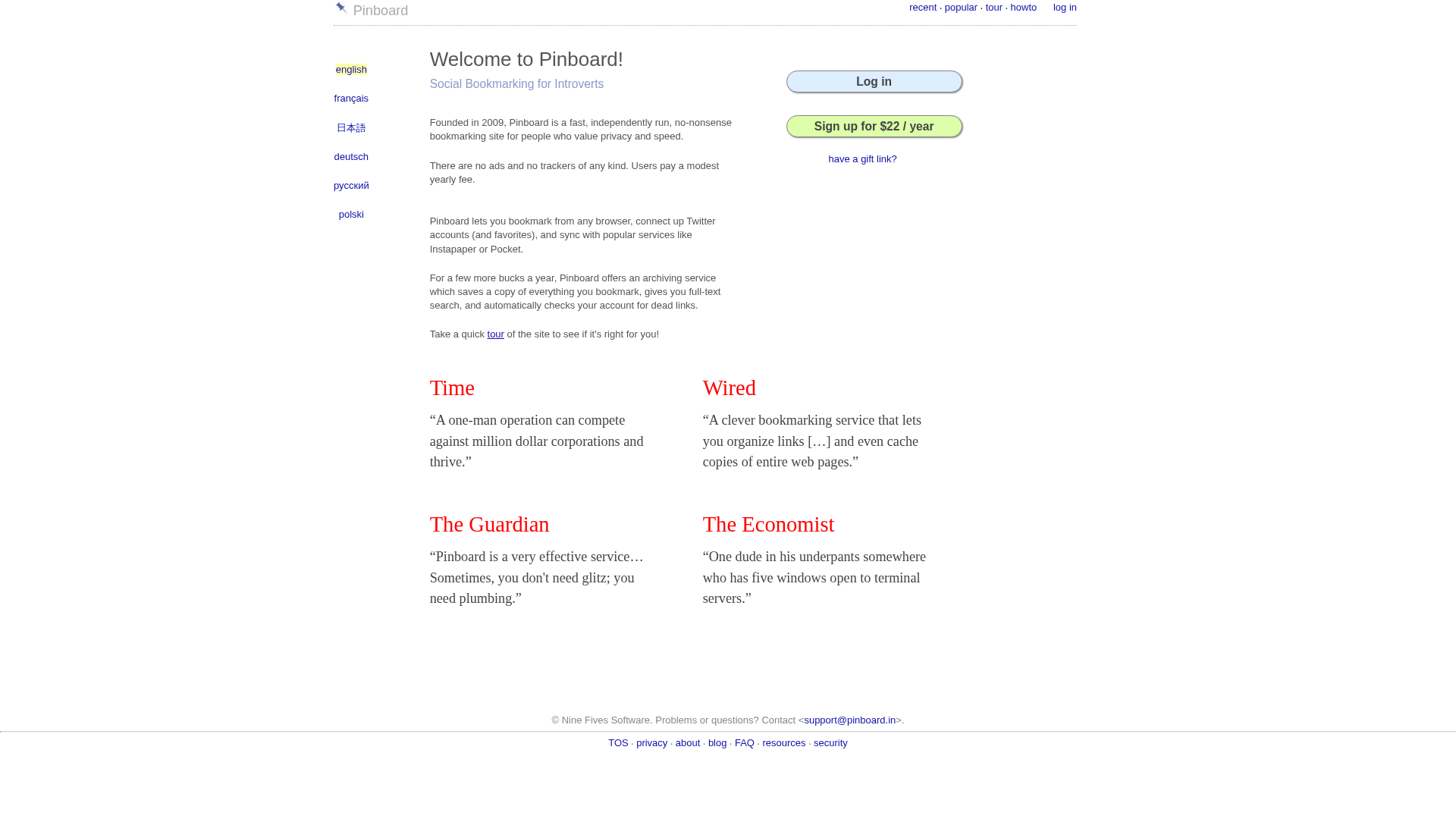
Pinboard is the anti-feature-creep bookmarking service. It's a simple, fast, no-nonsense tool for saving links with tags and optional descriptions. What sets it apart is its archival feature: Pinboard saves a permanent copy of every page you bookmark, so even if the original site goes down, your content is preserved.
Key Features
- Permanent archival — saves cached copies of every bookmarked page
- Lightning-fast interface — minimal design loads instantly
- Full-text search — search across all archived page content
- API access — extensive API for custom integrations
- Privacy-focused — no tracking, no ads, no social features
Pricing
$22/year for standard bookmarking. $39/year for the archival plan with permanent copies.
Pros
- Fastest bookmarking experience — zero bloat
- Archival copies are invaluable for link rot protection
- Decades of reliability as a one-person operation
- Extensive third-party integrations via API
Cons
- Web-only — no native apps for any platform
- Interface is spartan and will feel dated to most users
- No reading mode — you save links, not readable articles
- Solo developer means limited support bandwidth
"Pinboard is bookmarking for people who don't want an app — they want a tool. It's fast, reliable, and stays out of the way." — Daring Fireball
Best for: Minimalists and power users who want fast, reliable link archiving without any feature bloat.
10. Apple Reading List — Best Free Option for Casual Safari Users
Sometimes the best tool is the one you already have. Apple's built-in Reading List in Safari lets you save web pages for offline reading with zero setup, zero cost, and zero accounts. If your reading needs are modest and you live in the Apple ecosystem, it's worth considering before installing anything else.
Key Features
- Built into Safari — no installation required on Mac, iPhone, or iPad
- Offline reading — automatically downloads saved pages for offline access
- iCloud sync — reading list syncs across all Apple devices
- Safari Reader mode — clean, distraction-free reading built into the browser
Pricing
Free — included with every Mac, iPhone, and iPad.
Pros
- Completely free with no account needed
- Already installed on every Apple device
- Zero friction — save directly from Safari's address bar
- Offline reading works reliably
Cons
- Safari only — can't save from other browsers or apps
- No search, tags, folders, or organization features
- No AI, no highlights, no export
- Becomes unwieldy with more than ~50 saved items
"For casual use, Reading List is fine. I keep it for quick saves and use a dedicated app for anything important." — MacRumors forum
Best for: Casual readers who save a few articles per week and don't need organization or AI features.
Detailed Feature Comparison
| Feature | BeeMind | Readwise | Raindrop | Instapaper | Matter |
|---|---|---|---|---|---|
| AI Search/Chat | Yes (BYOK) | Yes | Yes | No | No |
| Spaced Repetition | Yes (SM-2) | Yes | No | No | No |
| Content Creation | Yes | No | No | No | No |
| Offline Reading | No | Yes | Yes (Pro) | Yes | Yes |
| Text-to-Speech | No | Yes | No | Yes | Yes |
| RSS / Newsletters | No | Yes | Yes | No | Yes |
| Free Tier | Yes | No | Yes | Yes | Yes |
| Pro Price | $7/mo | $12.99/mo | $3.17/mo | $5.99/mo | $8/mo |
| Platforms | macOS, iOS | All | All | iOS, Android, Web | iOS, Android, Web |
| Privacy / BYOK | Yes | No | No | No | No |
How to Choose the Right Read-It-Later App
Here's a quick decision framework to help you choose:
- If you want to actually remember what you save — go with BeeMind. The spaced repetition and AI chat combination is unique, and at $7/month it's one of the most affordable AI-powered options.
- If you read everything and highlight constantly — Readwise Reader is the powerhouse. It handles every content format and syncs highlights to your note-taking tools.
- If you want a straightforward Pocket replacement — Raindrop.io is the most natural transition. Cross-platform, generous free tier, familiar workflow.
- If you just want a clean reading experience — Instapaper. Beautiful typography, great text-to-speech, minimal friction.
- If newsletters dominate your reading — Matter. Purpose-built for newsletter consumption with excellent audio.
- If you want maximum simplicity — GoodLinks at $9.99 one-time, or Apple Reading List for free.
- If you want full data ownership — Karakeep (with AI) or Wallabag (proven stability).
What Happened to Pocket and Omnivore?
Two notable apps are missing from this list because they no longer exist:
Pocket was shut down by Mozilla on July 8, 2025. After years of minimal updates, Mozilla decided to focus on Firefox's native features instead. All user data was permanently deleted by November 2025. If you're still looking for a replacement, check out our 10 Best Pocket Alternatives in 2026 for a deeper dive.
Omnivore was acquired by ElevenLabs in late 2024 and subsequently shut down. The app and service are no longer available. Many Omnivore users migrated to Readwise Reader or Karakeep as their replacement.
Frequently Asked Questions
What is the best free read-it-later app in 2026?
For Apple users, BeeMind offers the best free tier with unlimited snippet capture and automatic linking. For cross-platform users, Raindrop.io's free plan is the most generous with unlimited bookmarks. If you want zero setup, Apple Reading List is built into every Apple device at no cost.
What is the best Pocket replacement in 2026?
Raindrop.io is the most direct Pocket replacement — it's cross-platform, has a generous free tier, and offers a similar save-and-organize workflow. For power users, Readwise Reader offers a more comprehensive experience. For Apple users who want to go beyond just saving links, BeeMind adds AI-powered knowledge retention.
Is Readwise Reader worth $9.99 per month?
If you read more than a few articles per day across different formats (articles, PDFs, newsletters, YouTube), Readwise Reader consolidates everything into one place and is worth the price. However, if you primarily save articles to read later, there are more affordable options. BeeMind's $7/month Pro plan is significantly cheaper than Readwise's $10/month.
Can I use a read-it-later app to remember what I read?
Most read-it-later apps help you save content but not remember it. Two apps in this list address retention directly: BeeMind uses the SM-2 spaced repetition algorithm to schedule reviews at optimal intervals, and Readwise has a daily review feature for past highlights. If retention matters to you, these are the two to consider. Learn more about how spaced repetition works.
What happened to Pocket?
Mozilla shut down Pocket on July 8, 2025. The apps, browser extensions, and API are all gone. All user data was permanently deleted by November 12, 2025. See our complete Pocket alternatives guide for details.
Which read-it-later app is best for Mac users?
Mac users have excellent options. BeeMind is the best choice for capturing snippets from any Mac app with its instant capture shortcut — it lives in your menu bar and captures from Safari, Mail, Slack, PDFs, and more. GoodLinks is ideal for simple link saving with native macOS design. Readwise Reader also has a solid Mac app for full-featured reading.
Final Verdict
The read-it-later category has never been more competitive. Pocket's shutdown created an opening, and new apps have filled it with features Pocket never offered — AI search, spaced repetition, content creation, and privacy-first architectures.
Our top recommendation is BeeMind for anyone who's tired of saving links they never revisit. It's the only app that combines instant capture from any Mac app, AI-powered chat across your knowledge, and built-in spaced repetition to help you actually remember what you save. At $7/month for Pro (with a generous free tier), it's also one of the best values in the category.
That said, the "best" app depends entirely on your workflow. Power readers will love Readwise Reader. Cross-platform users will appreciate Raindrop.io. And minimalists can't go wrong with GoodLinks or even Apple's built-in Reading List.
Ready to stop forgetting what you read?